Edit text in a screenshot
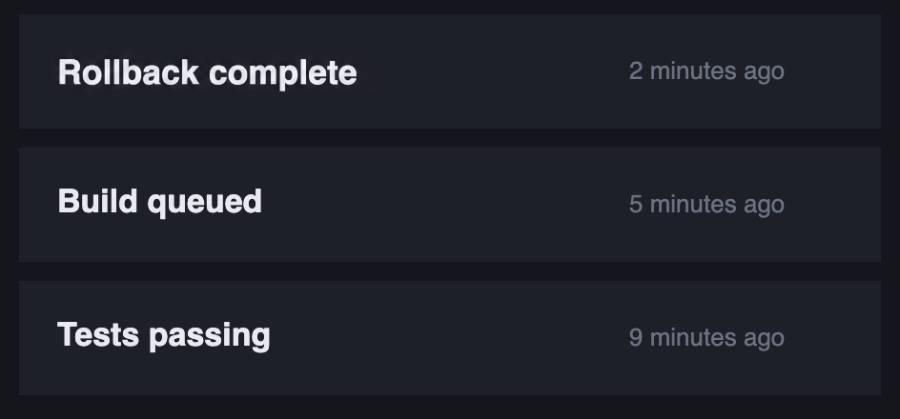
A screenshot has no text layer — the words are pixels, so you cannot click into them. Select the area you want changed, type the new wording, and it is redrawn in the same typeface, weight, size and colour as the rest of the interface, on the same background. Only the pixels inside your selection change.
Can I edit the text in a screenshot without Photoshop?
Yes. Select the words you want changed and type the replacement. There is nothing to install, and the edit matches the surrounding interface automatically rather than you hunting for the right font.
Will the new text match the app’s font?
It is matched to the text already visible around your selection — typeface, weight, size, colour, letter spacing and baseline. Interface text is clean and evenly spaced, which is the easiest case for this to get right.
Does it work on dark mode screenshots?
Yes. The background under the text is continued as it is, so light text on a dark panel stays light text on a dark panel.
One credit is one edit. Credits never expire.