Change text in an image online
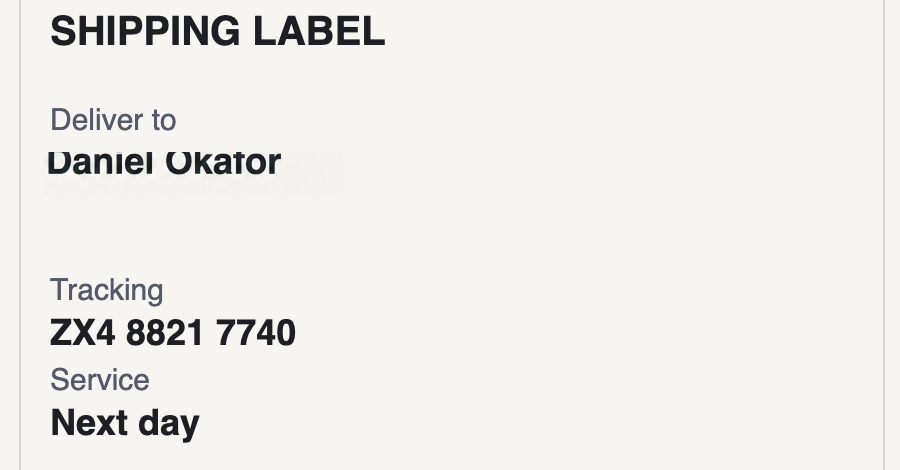
Select the words you want to change, type what they should say, and the replacement is drawn in the same typeface, weight, size and colour as the text around it, on the same background. Nothing is installed, and every pixel outside your selection comes back exactly as it was.
How do I change text in an image?
Open the image, drag a box around the words, and type the new text. Everything outside the box is untouched, so the rest of the picture cannot be damaged by the edit.
Is there a free way to do this?
Free editors let you erase the old text and retype it yourself, which means matching the font, size, colour, spacing and anti-aliasing by hand. That is the work this does for you, which is why it is the one paid feature here.
What kinds of images work best?
Clean, reasonably large text on a consistent background: screenshots, documents, labels, signs. Very small text, heavy textures and steep angles are harder.
One credit is one edit. Credits never expire.