Change text in a photo
Photographed text sits under real lighting, grain and sometimes perspective, which is why pasting new letters over it looks wrong. Select the words, type the replacement, and the background underneath — the surface, its colour and its texture — is continued while the new lettering is matched to what surrounds it.
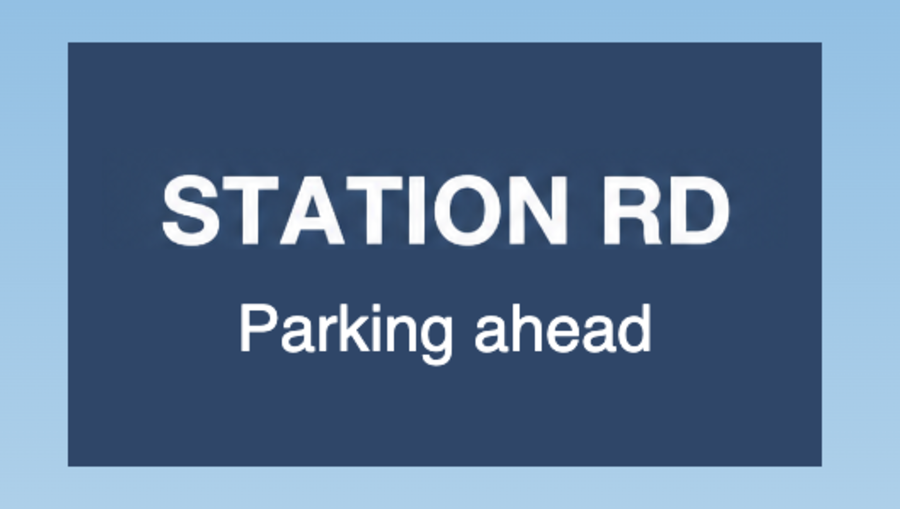
Can you change the text on a sign in a photo?
Yes, and the sign’s own colour and lighting are carried through, so the panel does not end up as a flat patch of a slightly different shade.
What about text at an angle?
Mild perspective is handled. Text wrapped around a curved surface, or at a steep angle, is where any tool of this kind struggles — crop tightly and expect to check the result.
Will the grain match?
The film or sensor grain around your selection is continued into it. A patch with no grain on a grainy photo is the usual giveaway, and that is specifically what this avoids.
One credit is one edit. Credits never expire.