Edit text in a scanned PDF
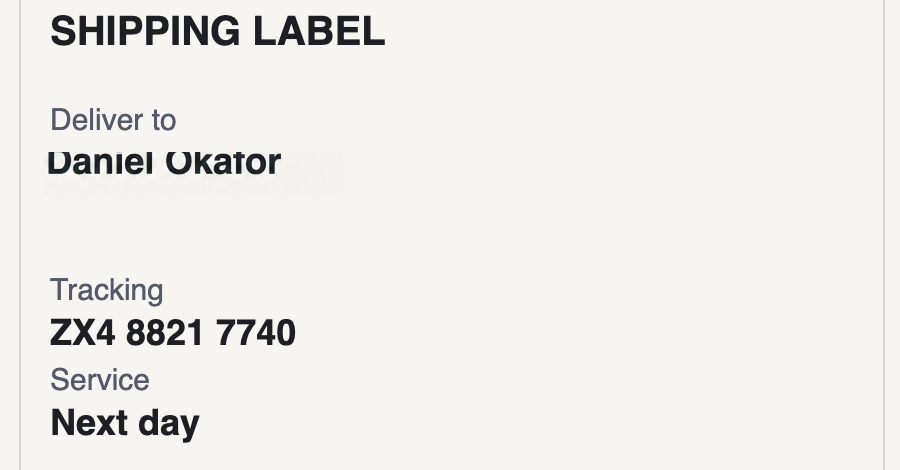
A scanned PDF holds a photograph of each page, so its words cannot be retyped the way a born-digital PDF can. Export the page as an image, select the text, and type the correction. It is re-set in the same typeface and weight on the same paper tone.
What makes this one hard
Scans carry their own character: paper that is never pure white, print that has spread slightly into the fibre, and often a faint skew from the scanner bed. A correction that ignores any of those reads as a sticker.
Why can I not edit my scanned PDF directly?
A born-digital PDF stores real text objects you can select and retype. A scan stores an image of the page, so a PDF editor has nothing to select. If the original document still exists, editing it there beats any image edit.
Will it match the paper?
The paper tone and print grain around your selection are continued underneath the new wording, which is what stops the correction from sitting in a visible box.
Can I edit a whole paragraph?
A line or two works. A whole paragraph needs reflow, which an image edit cannot do, so you would be better off rebuilding the page from the original.
One credit is one edit. Credits never expire.