Edit text in a chat screenshot
Messaging screenshots are set in system interface fonts at small sizes inside coloured bubbles. Select the text and type the replacement; it is matched to the font, colour and bubble it sits in.
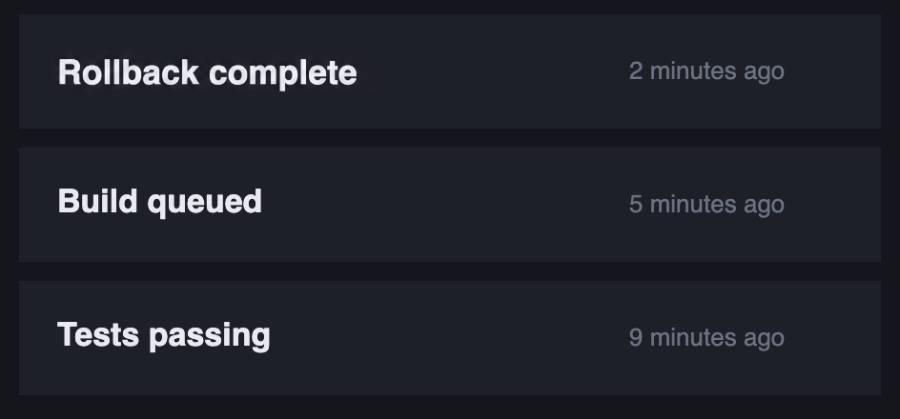
What makes this one hard
Interface text is small, which leaves very little letter detail to match, and it sits on bubbles whose colour changes between light and dark mode. Small text is the least forgiving case there is.
Is it obvious a screenshot has been edited?
Done carefully, not to the eye. That cuts both ways: fabricating a conversation to deceive someone is a misuse, and our terms prohibit it.
Does it work in dark mode?
Yes. The bubble colour under the text is continued, so light text on a dark bubble stays that way.
One credit is one edit. Credits never expire.